

Sivun sisältöön

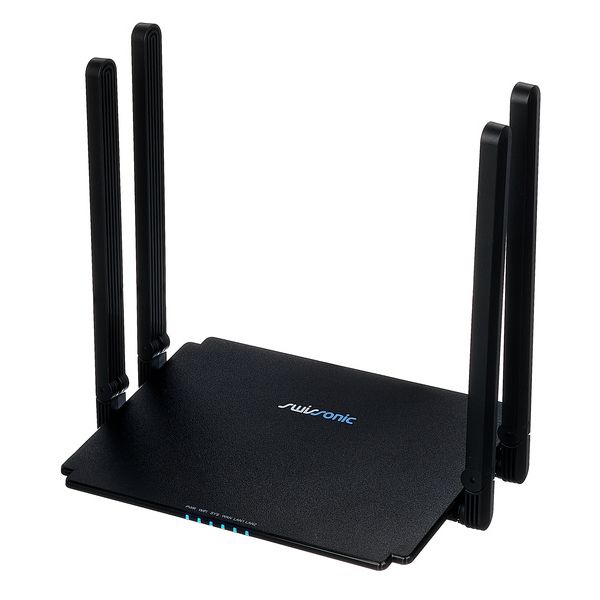
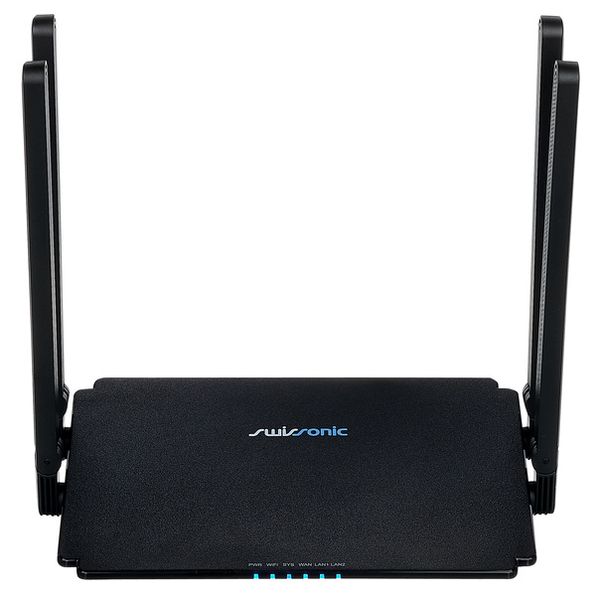
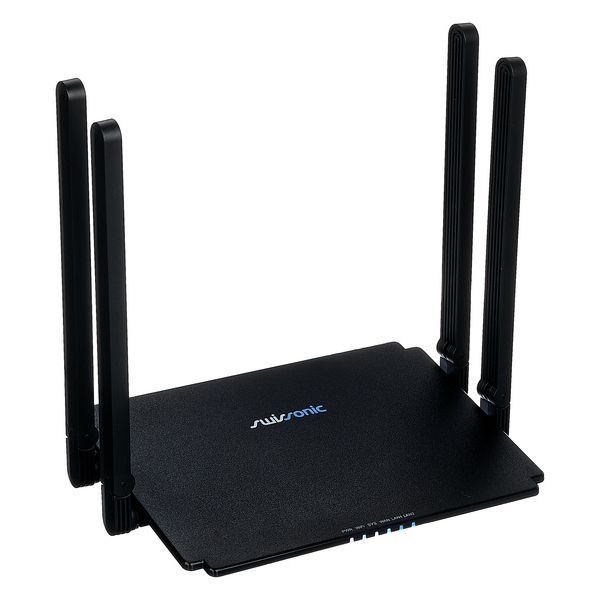
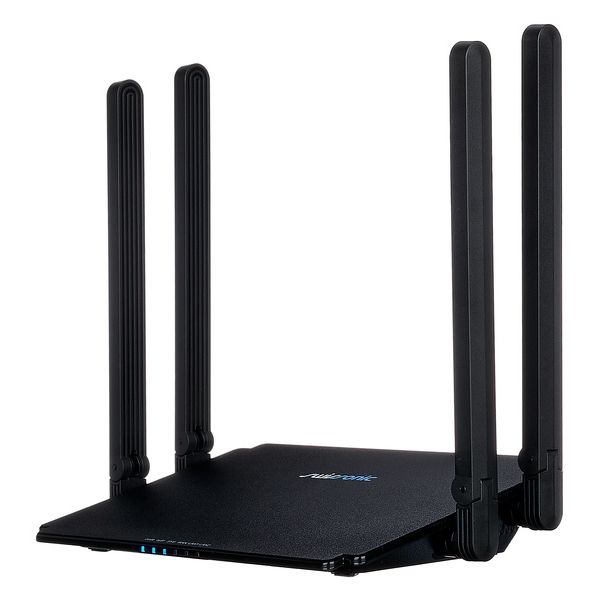
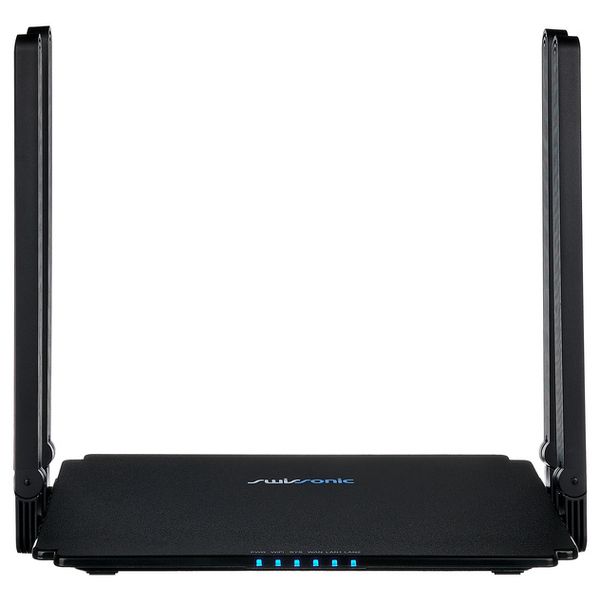
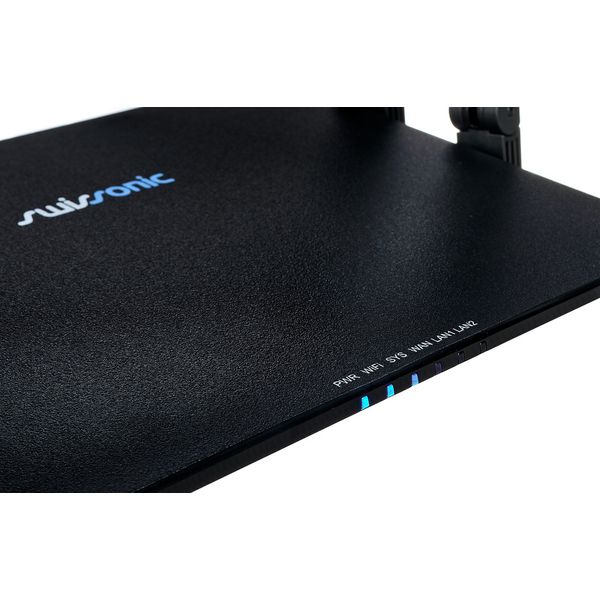
Wireless Dual Band Router 2.4 and 5 GHz

  • WiFi 6
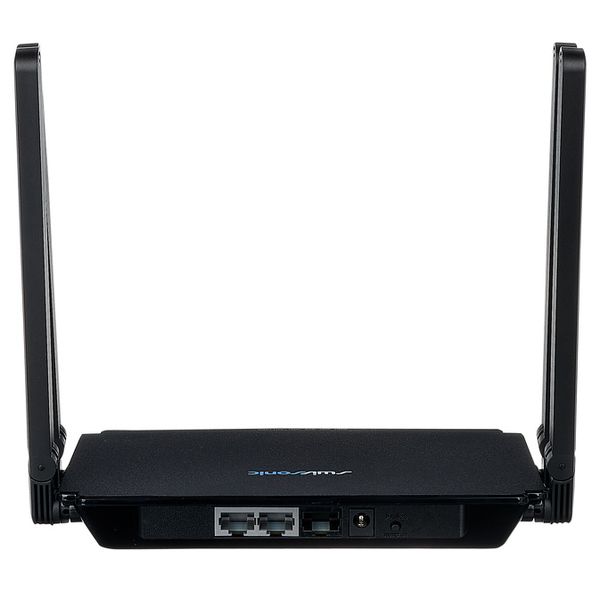
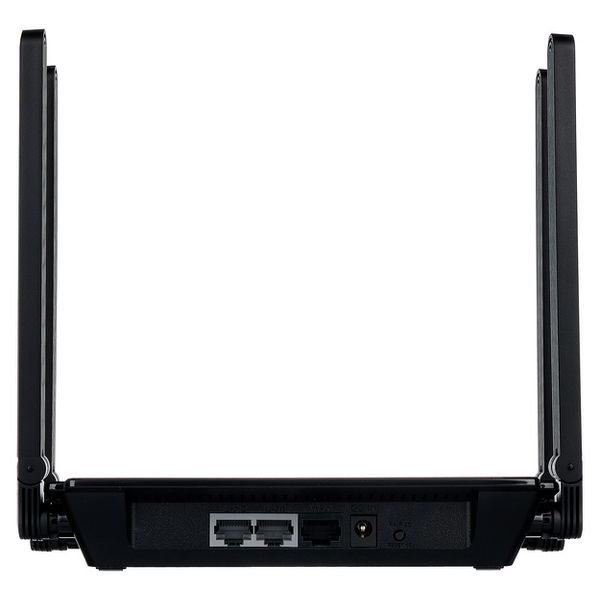
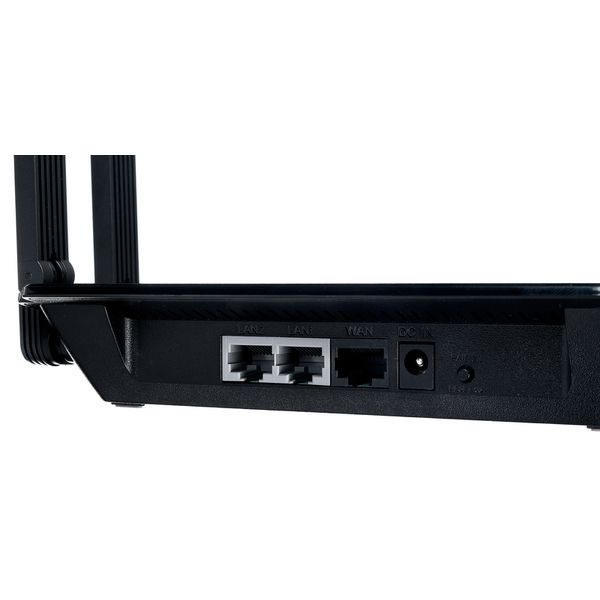
  • Ports: 1x WAN port (1000 Mbps), 2x LAN ports (1000 Mbps)
  • Wi-Fi standards: IEEE 802.11b/g/n/a/ac/ax
  • Wi-Fi data throughput: up to 574 Mbps (2.4 GHz), up to 2401 Mbps (5 GHz)
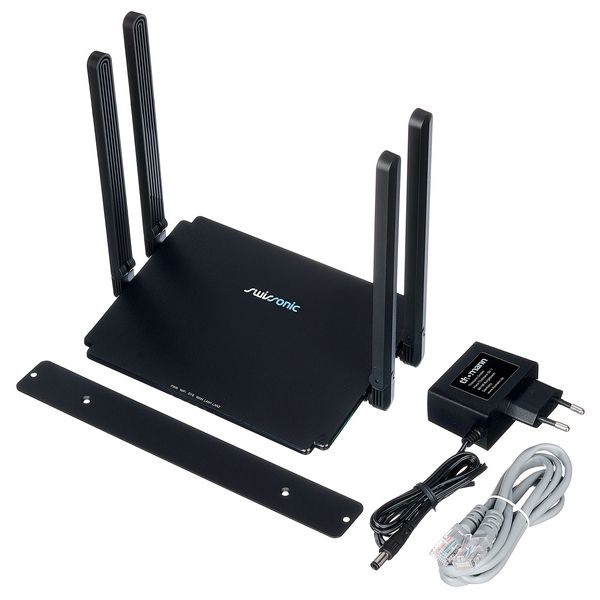
  • Four foldable antennas (2x 2.4 GHz / 2x 5 GHz) and 1 internal antenna (5 GHz)
  • Features: Mesh Network, Parental Controls, QoS, IPTV, Website Blocking, IPv4 / IPv6
  • Dimensions excluding the antenna (W x H x D): 202 x 34 x 122 mm
  • Height including antennas: 192 mm
  • Weight: 232 g
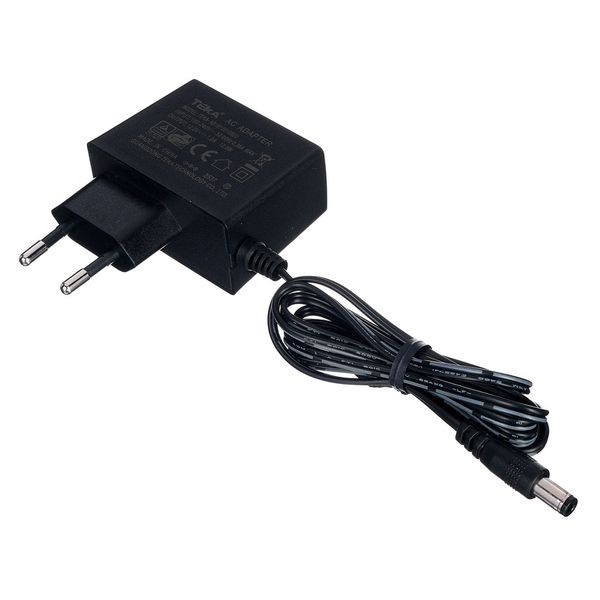
  • Includes a white 90 cm network cable, a 12 V / 1 A power supply and a mounting plate
  • Myynnissä vuodesta Huhtikuu 2026
  • Tuotenumero 614231
  • Myyntierä 1 kappaletta
  • Component type Router
  • Type Router
  • LAN Ports 2
  • PoE Class No
  • PoE ports 0
58 €
Kaikki hinnat sis. ALV:n
Varastossa
1

13 Asiakkaiden arviot

4.4 / 5

Työnjälki

10 Arvostelut

google translate gb
Valitettavasti tapahtui virhe. Ole hyvä ja yritä uudelleen.
PV
Very poor performance at 2.4GHz compared to its predecessor, the MKII - please read update below
Peter Viss 10.09.2026
If I use this router on 2.4GHz in combination with my X32 and/or Wing Series, there are nothing but dropouts. This can be recognized by the VU meters of the associated apps, such as an X32-Mix or Copilot / Wing-Q for the Wing Series they are fully freeze....

I have performed various tests for some specific reason and in both situations, this occurs simultaneously while the MKII runs smooth on 2.4 GHz

So fortunately, I still have a number of MKIIs available, but this one MKIII I would strongly advise not to use on 2.4Ghz.

Update 12-09-2026: I found a possible cause for the above behavior. As soon as I turn off the 'auto mesh' function in 'Network >> mode selection,' there's a clear improvement—the mentioned Vu meters no longer freeze, and the overall data connection with the mentioned app is much more stable.

It's unclear to me why the same behavior is hardly, if at all, noticeable on 5GHz when the mesh function is enabled.

So if you have any connection issues with x32-mix, copilot or Wing-q start with switch off the "auto-mesh" function
Työnjälki
0
1
Raportoi ongelmasta

Raportoi ongelmasta

google translate gb
Valitettavasti tapahtui virhe. Ole hyvä ja yritä uudelleen.
AO
Very very good first impression
Ang On Ang On Band 13.08.2026
The Swissonic router was extremely easy to set up and, so far, has proved to be very stable in use. I’m
using it in conjunction with a Behringer XR18 mixer, and the connection has been noticeably more stable than with the internal Wifi configuration.
Although I’ve only had the opportunity to test it a handful of times so far, the difference is already clear.
The signal has been strong and consistent, and the overall stability of the connection has been excellent. This is particularly important when using the XR18, where a reliable wireless connection is essential for controlling the mixer without interruptions.
It’s still early days, but based on the testing I’ve done so far, the Swissonic router has made a very positive impression. Easy to set up, solid in operation, affordable price point and providing a much more stable connection thus far. I must say I am very pleased with it.
Työnjälki
0
0
Raportoi ongelmasta

Raportoi ongelmasta